kleur
A sleek, client-side colour toolkit built with Next.js that lets you generate, analyse, and manage palettes, gradients, and accessible brand systems all in one place.
Tech Stack
Overview
A personal gripe of mine is not having good palettes or gradients to use. I found myself jumping between websites, generating colours, and then forgetting where I made them. To solve this I built my own tool. One place to create, save, and analyse anything to do with colour.
Kleur supports palette generation, linear and radial gradients, and mesh gradients. Beyond creation, it includes a Brand Kit analyser that takes any palette and generates an 11-stop shade scale in OKLCH, produces a dark mode variant, and assigns semantic roles like primary, accent, surface, and muted. Every generator also includes accessibility tooling, WCAG contrast checking, and colour vision deficiency simulation so you can evaluate a palette before using it.
The site is built with Next.js 14 using the App Router. All styling is handled through Tailwind CSS and shadcn/ui, which let me build a bold, clean UI quickly without getting bogged down in design decisions. All data is stored in localStorage, keeping the tool entirely client-side with no backend. Colours are processed using OKLCH throughout, which gives perceptually uniform results when interpolating or generating shades.
If you look at the GitHub repository for Kleur, there is a roadmap of features I want to add. This is still very much a growing project.
Screenshots
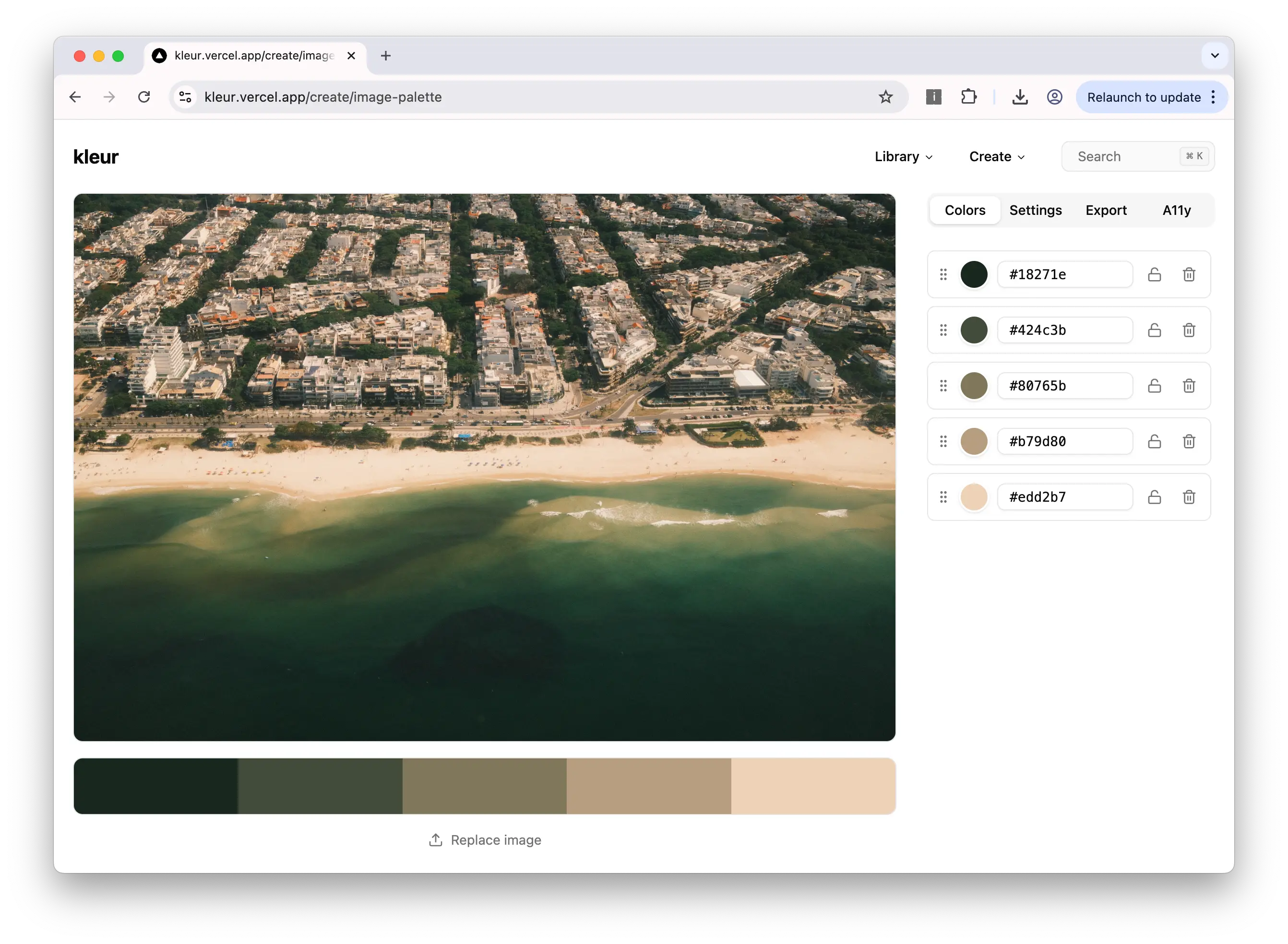
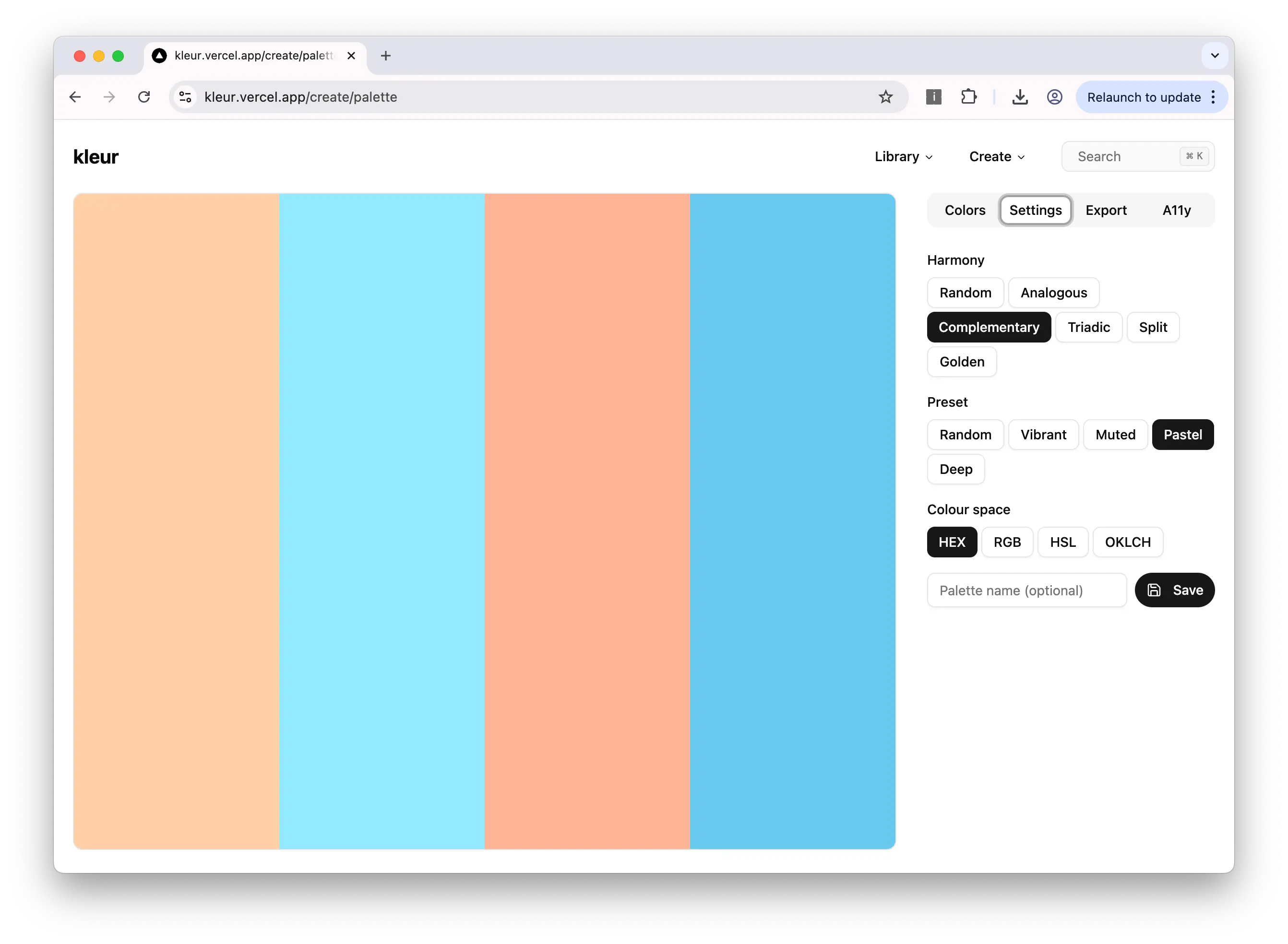
Key Features
- 1 Create palettes, gradients, mesh gradients, and radial gradients with a unified generator system
- 2 WCAG contrast pair grid and CVD (color vision deficiency) simulation across all generators
- 3 Multi-format export — CSS, Tailwind, JSON, and PNG export for every generator output
Technical Challenges
-
Converting to multiple colour formats from one base format
-
Colour math for palette generation and contrast pair generation
-
Ensuring accessibility features were accurate and performant across all generators